Transitioning to a remote environment requires more than just a laptop and a decent internet connection. For a professional to maintain his peak productivity, he must establish a seamless flow of information. One of the biggest hurdles in this transition is determining how to move large assets and sensitive documents without compromising security or speed.
In 2026, the digital landscape offers a variety of sophisticated solutions. Whether you are managing a small creative team or a large corporate department, choosing the right method is essential for implementing effective remote work habits that keep everyone on the same page.
1. Utilize Cloud Storage Services
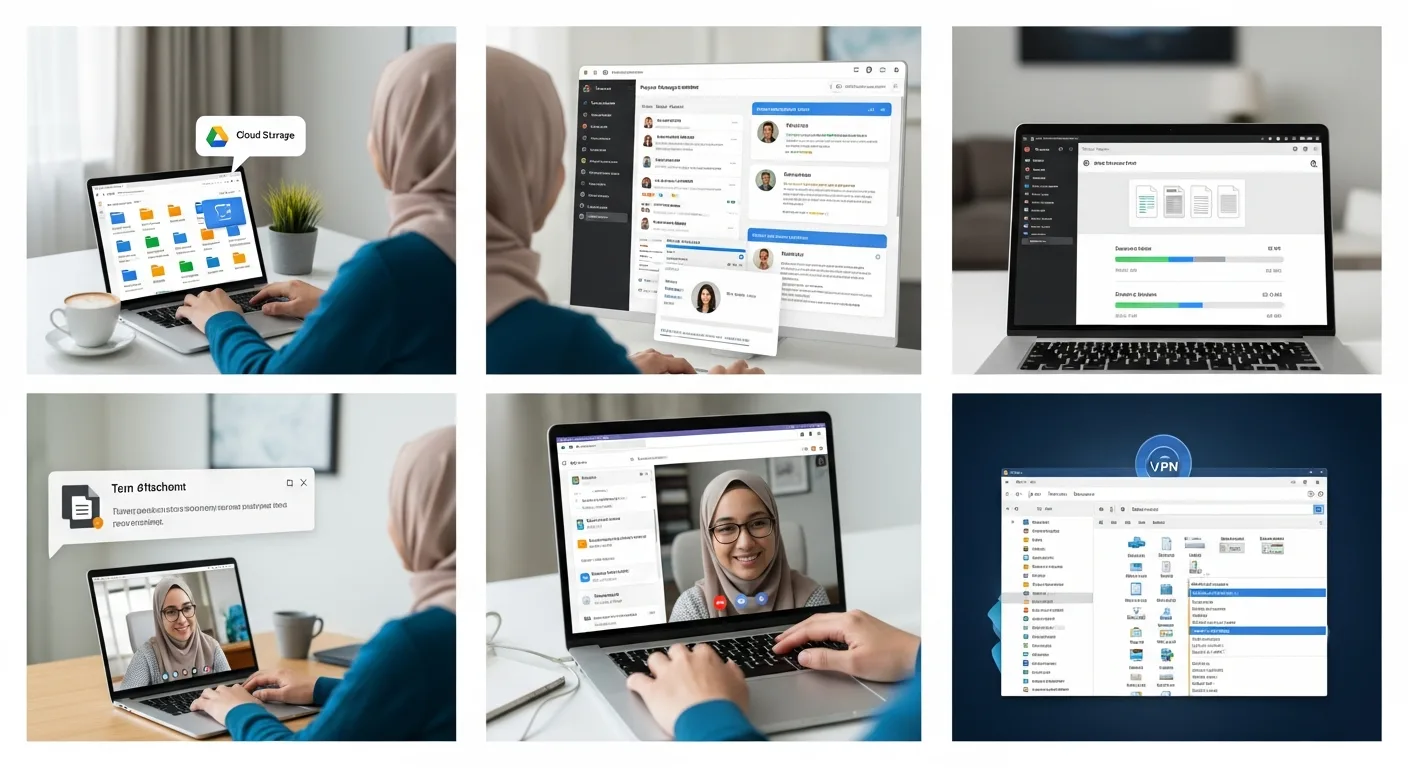
Cloud storage remains the gold standard for file sharing. Platforms like Google Drive, Microsoft OneDrive, and Dropbox allow a user to upload his documents to a centralized server where they can be accessed by anyone with the proper permissions. The primary advantage here is real-time synchronization; when a team member makes an edit, the change is instantly reflected for everyone else.
For a manager, this means he no longer has to worry about version control. He can simply check the version history to see who made specific changes, ensuring that the project stays on track without the clutter of multiple file copies.
2. Leverage Team Collaboration Platforms
Communication tools like Slack and Microsoft Teams have evolved far beyond simple chat functions. These platforms allow for direct file uploads within specific channels or direct messages. This is particularly useful for quick feedback loops where a professional needs his colleague to take a fast look at a draft or a graphic.
By keeping the file sharing within the conversation, you maintain context. Instead of searching through an inbox, a team member can find the file exactly where the discussion took place. While optimizing your professional workspace for better focus, having these integrated tools reduces the cognitive load of switching between different applications.
3. Implement Project Management Software
For more complex workflows, project management tools like Asana, Trello, or Monday.com are indispensable. These platforms allow you to attach files directly to specific tasks. This ensures that when a worker starts his daily assignments, all the necessary resources are right there waiting for him.
- Centralized Documentation: Keeps all project-related assets in one place.
- Task Accountability: Files are linked to deadlines and specific owners.
- Streamlined Feedback: Comments can be left directly on the task associated with the file.
4. Use Dedicated Large File Transfer Services
Sometimes, a file is simply too large for an email attachment or a standard chat upload. High-resolution video files or massive datasets often exceed the 25MB or 100MB limits of common platforms. In these instances, services like WeTransfer or Masv are the best bet.
These services allow a user to upload files (often up to several gigabytes) and send a secure link to his recipient. The files are usually stored temporarily, making this an excellent choice for one-off transfers rather than long-term storage.
5. Deploy a VPN or Network Attached Storage (NAS)
For teams dealing with highly sensitive data or proprietary software, public cloud solutions might not be sufficient. In these cases, a professional might use a Virtual Private Network (CPN) to access his company’s internal servers securely. Alternatively, setting up a NAS (Network Attached Storage) device at a central location allows team members to access a private cloud that the company fully controls.
This method provides the highest level of security, as the data never truly lives on a third-party provider’s server. It requires a bit more technical setup, but for a business owner, the peace of mind regarding data integrity is often worth the effort.
Frequently Asked Questions
What is the most secure way to share sensitive files?
The most secure method is typically using an encrypted VPN to access a private server or using cloud providers that offer end-to-end encryption and multi-factor authentication.
How can I send files that are too large for email?
You should use dedicated transfer services like WeTransfer or upload the file to a cloud storage provider like Google Drive and share the link with the recipient.
Do I need to pay for file sharing services?
Many services offer robust free tiers that are suitable for individuals or small teams, but larger organizations usually require paid subscriptions for increased storage and advanced security features.