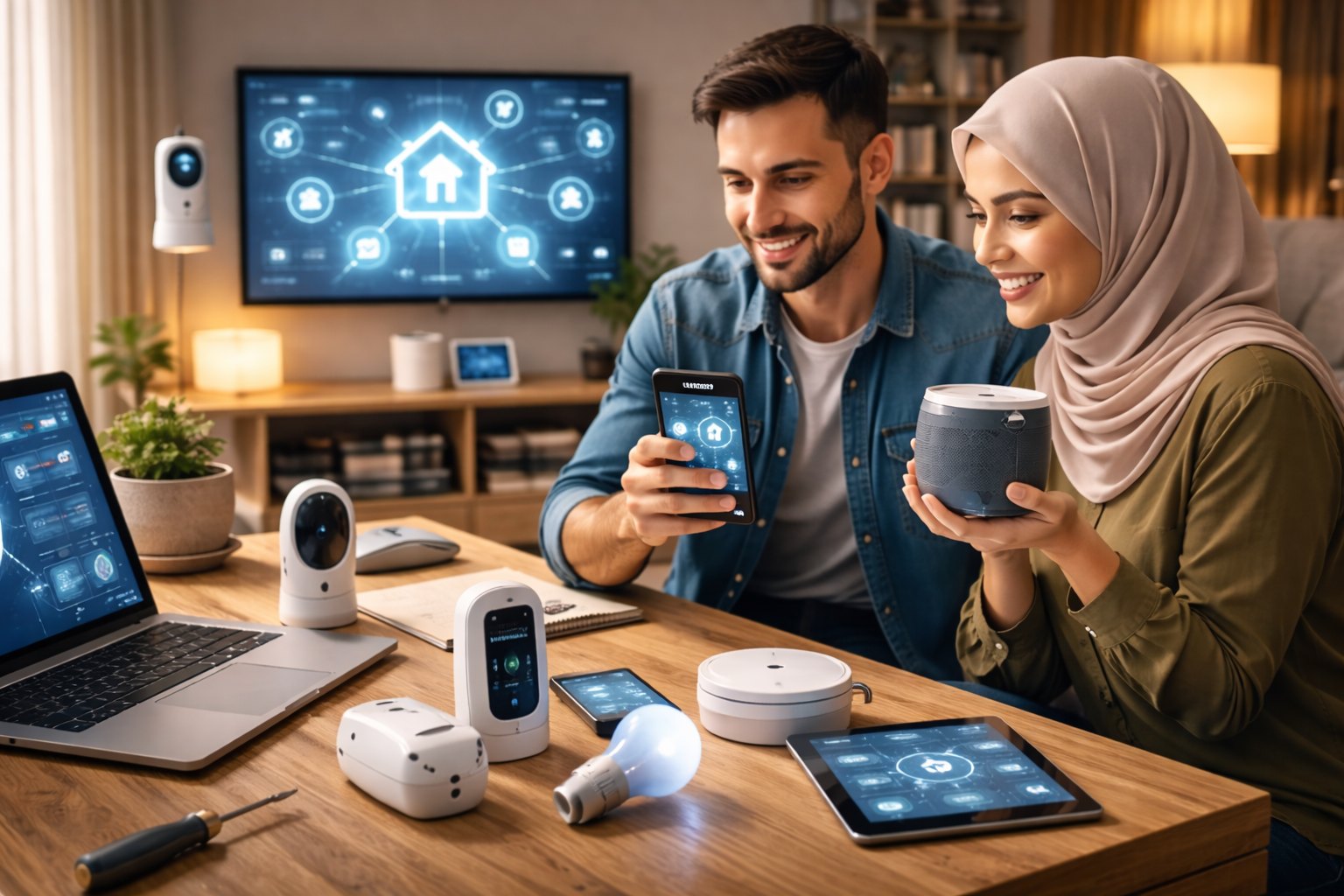
Transforming your house into a smart home is an exciting journey that blends cutting-edge technology with everyday convenience. Whether you’re automating lights, securing your property, or controlling appliances with your voice, a well-planned smart home electrical installation is the foundation for a seamless experience. This guide covers everything from wiring basics to setting up intuitive dashboards and integrating popular systems like Google Home, ensuring your smart home setup is efficient, reliable, and tailored to your needs.
A smart home electrical installation involves planning wiring for devices like smart switches and sensors, setting up a central hub or dashboard for control, and integrating with platforms like Google Home for voice commands. Key steps include assessing your electrical system, choosing compatible devices, and ensuring proper network connectivity for a smooth setup.
Planning Your Smart Home Electrical Installation
Before diving into device purchases, a thorough plan is essential for a successful smart home electrical installation. Start by assessing your current electrical setup to identify any upgrades needed, such as adding neutral wires for smart switches or ensuring sufficient outlets for hubs and chargers. Consider your goals—whether it’s enhancing security, improving energy efficiency, or adding convenience—and map out which rooms and systems you want to automate. This upfront planning helps avoid costly mistakes and ensures compatibility with future expansions. For more on electrical upgrades, check out our home electrical guide.
Essential Wiring for Smart Home Devices
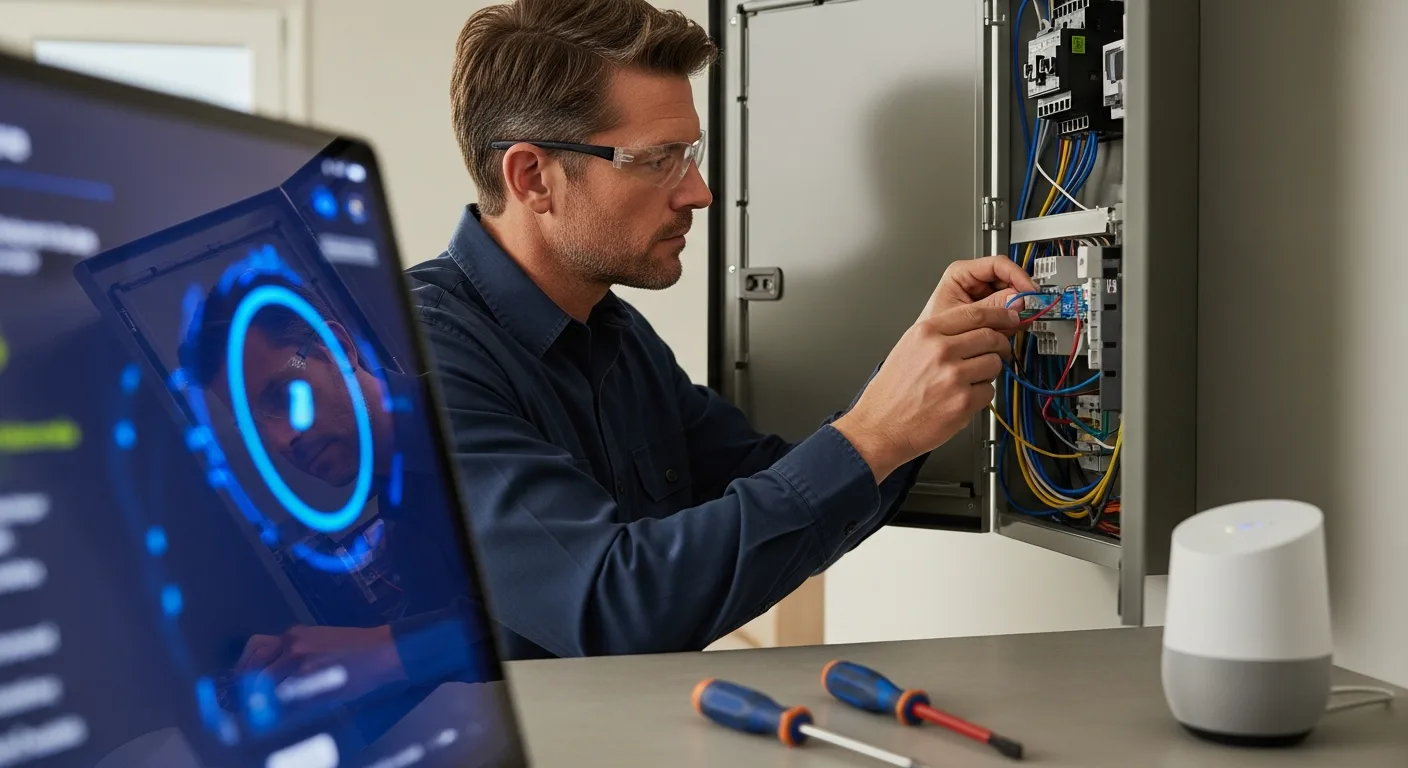
Proper wiring is the backbone of any smart home, enabling reliable communication and power for devices. Key wiring considerations include:
- Neutral Wires: Many smart switches require a neutral wire for operation; if your home lacks them, you may need to run new wiring or opt for no-neutral alternatives.
- Low-Voltage Wiring: For devices like doorbell cameras or sensors, low-voltage cables (e.g., Cat5e or Cat6) provide stable connections and reduce interference.
- Power Over Ethernet (PoE): Ideal for security cameras and access points, PoE delivers both data and power through a single cable, simplifying installation.
- Dedicated Circuits: High-power smart appliances, such as EV chargers or smart ovens, often need dedicated circuits to prevent overloads.
Always consult a licensed electrician for complex wiring tasks to ensure safety and compliance with local codes. For whole-home upgrades, our guide on whole home upgrades offers valuable insights.
Setting Up a Smart Home Dashboard
A smart home dashboard centralizes control, allowing you to manage all your devices from a single interface. Popular options include:
- Hub-Based Dashboards: Systems like Samsung SmartThings or Hubitat use a physical hub to connect devices, offering robust automation and offline functionality.
- App-Based Dashboards: Platforms like Google Home or Apple HomeKit provide mobile apps for controlling compatible devices, often with voice integration.
- DIY Dashboards: For tech-savvy users, tools like Home Assistant enable custom dashboards with advanced features, such as integrating weather data—learn more in our guide on smart home integration.
When choosing a dashboard, consider compatibility with your devices, ease of use, and scalability for future additions. A well-designed dashboard enhances convenience by grouping controls for lights, security, and climate into intuitive scenes or routines.
Integrating Google Home with Your Smart Home
Google Home integration brings voice control and automation to your smart home, making it easy to manage devices hands-free. To get started:
- Set Up Google Home: Install the Google Home app on your smartphone, create a home profile, and add your Google Nest or Home speaker.
- Connect Devices: Use the app to link compatible smart devices, such as lights, thermostats, or security systems—for example, SimpliSafe with Google Home allows arming/disarming via voice commands.
- Create Routines: Set up custom routines (e.g., “Good Morning”) to trigger multiple actions with a single command, like turning on lights and adjusting the thermostat.
- Optimize Voice Commands: Use clear, specific phrases (e.g., “Hey Google, turn off the living room lights”) for reliable responses.
Ensure your Wi-Fi network is strong and secure to support seamless communication between Google Home and your devices. For more on entertainment setups, explore our home entertainment concepts.
Comparing Smart Home Installation Methods
Different installation approaches suit various skill levels and budgets. Here’s a comparison:
| Method | Pros | Cons | Best For |
|---|---|---|---|
| DIY Installation | Cost-effective, customizable, learn new skills | Time-consuming, risk of errors, may void warranties | Tech enthusiasts with basic electrical knowledge |
| Professional Installation | Expert setup, guaranteed safety, time-saving | Higher cost, less flexibility in changes | Complex systems or those lacking DIY confidence |
| Hybrid Approach | Balance of cost and quality, partial DIY with pro help | Requires coordination, potential compatibility issues | Mid-range projects like adding smart switches |
Weigh factors like your budget, technical expertise, and the complexity of your desired setup when choosing a method. For DIY tips, refer to our DIY home repairs guide.
Common Challenges and Solutions
Even with careful planning, smart home installations can face hurdles. Here are common issues and how to address them:
- Device Compatibility: Ensure all devices support the same protocols (e.g., Zigbee, Z-Wave, or Wi-Fi) and are compatible with your chosen hub or dashboard.
- Network Issues: Weak Wi-Fi signals can cause delays or disconnections; use mesh networks or extenders to improve coverage, especially for large homes.
- Power Outages: Some smart devices may reset after outages; consider battery backups or devices with memory functions to retain settings.
- Security Concerns: Protect your smart home from hacking by using strong passwords, enabling two-factor authentication, and keeping firmware updated.
Regular maintenance, such as checking connections and updating software, helps keep your system running smoothly. For security strategies, see our home defense guide.
FAQs About Smart Home Setup
What is the first step in a smart home electrical installation?
Start by assessing your electrical system and planning which devices you want to automate, focusing on compatibility and necessary wiring upgrades like neutral wires or dedicated circuits.
Can I integrate SimpliSafe with Google Home?
Yes, SimpliSafe offers integration with Google Home, allowing you to arm or disarm your security system using voice commands through the Google Home app.
Do I need a hub for my smart home dashboard?
Not always—while hubs like SmartThings provide centralized control, many devices work directly with app-based dashboards like Google Home or Apple HomeKit without a separate hub.
How much does a professional smart home installation cost?
Costs vary widely based on scope, ranging from $500 for basic setups to $5,000+ for whole-home automation, including wiring, devices, and labor.
What are the best devices for a beginner smart home setup?
Start with smart bulbs, plugs, and a voice assistant like Google Nest Mini, as they are easy to install and offer immediate convenience without complex wiring.
How can I ensure my smart home is secure?
Use strong, unique passwords, enable two-factor authentication, regularly update device firmware, and segment your network to isolate smart devices from personal data.
Can I add smart features to an older home?
Yes, but you may need wiring upgrades or wireless alternatives; consult an electrician to assess your home’s electrical capacity and recommend solutions.