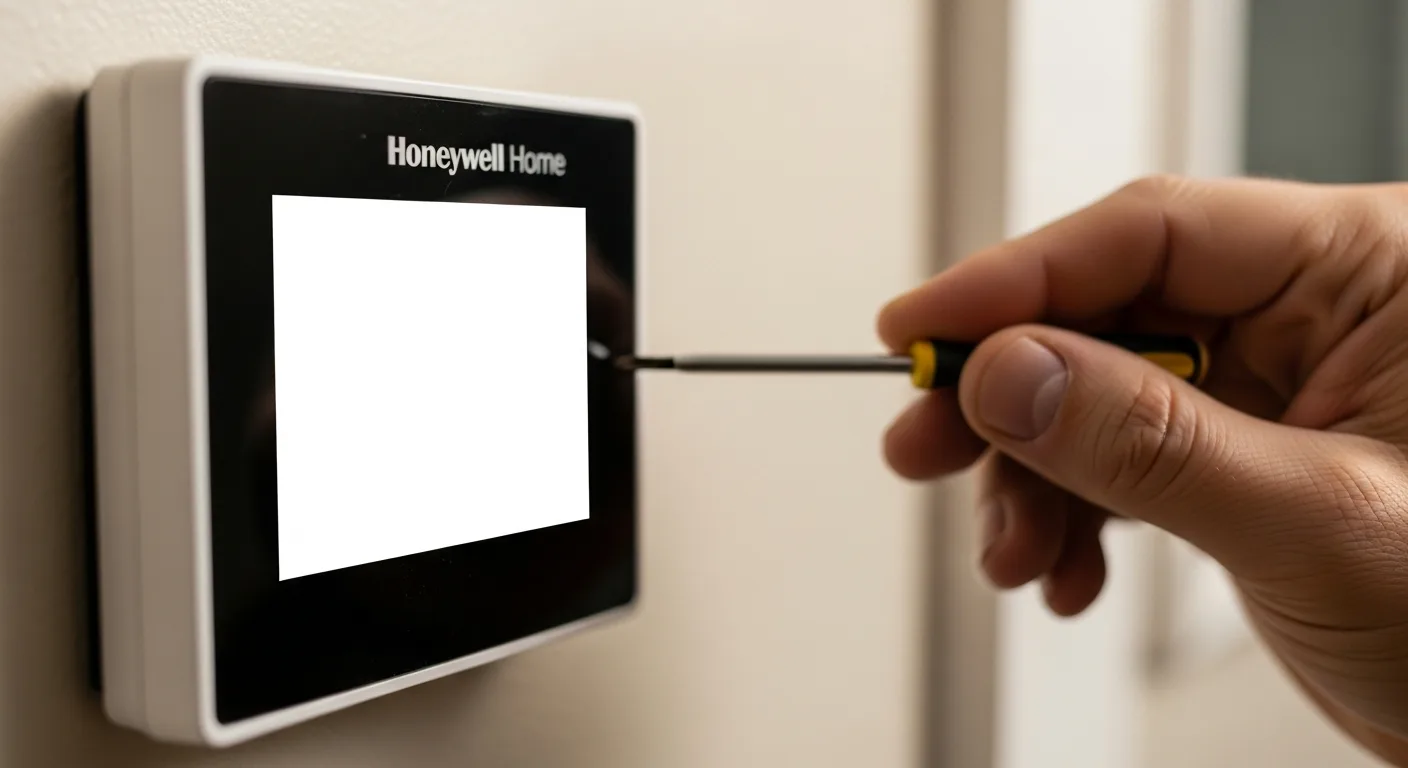
When your Honeywell home thermostat goes blank, it can leave you sweating in summer or shivering in winter, with your AC not working as expected. A blank screen on a Honeywell thermostat is a common issue that often stems from simple power problems, wiring faults, or system glitches. Whether you have a basic model or a Honeywell Home T6 Pro smart thermostat, understanding the root causes and solutions can save you time and money. This comprehensive guide will walk you through troubleshooting steps, from checking batteries and wiring to resetting the device, ensuring your home comfort is restored quickly and safely.
To fix a Honeywell home thermostat blank screen, first check and replace the batteries if applicable, ensure the circuit breaker is on, and verify wiring connections. For models like the T6 Pro, try a system reset by removing it from the wall plate for 30 seconds. If issues persist, inspect the HVAC system or consult a professional.
Common Causes of a Blank Screen on Honeywell Thermostats
A blank screen on your Honeywell thermostat can be frustrating, but it’s usually due to a few key issues. Identifying the cause is the first step toward a fix. Common reasons include dead batteries, tripped circuit breakers, loose wiring, or system malfunctions. For instance, if your Honeywell home AC is not working, the thermostat might lose power from the HVAC system. Additionally, older models may have worn-out components, while smart thermostats like the Honeywell Home T6 Pro could face software glitches. Understanding these causes helps you troubleshoot effectively without unnecessary repairs.
- Dead or low batteries in battery-powered models
- Tripped circuit breaker or blown fuse in the HVAC system
- Loose or corroded wiring connections at the thermostat or HVAC unit
- Power surges or electrical issues affecting the thermostat
- Software bugs in smart thermostats like the T6 Pro
- Faulty thermostat unit or display screen
Step-by-Step Troubleshooting Guide
Follow these steps to diagnose and fix your Honeywell thermostat blank screen. Start with simple checks before moving to more complex solutions. This methodical approach can often resolve the issue without professional help. For example, if you’re dealing with a Honeywell home thermostat blank screen, begin by inspecting the power source. Always turn off power at the circuit breaker before handling wiring to ensure safety. If you’re unsure, refer to your thermostat’s manual or consider consulting a technician for advanced issues.
- Check and replace the thermostat batteries if it’s a battery-powered model.
- Inspect the circuit breaker panel for tripped breakers related to HVAC and reset if needed.
- Turn off power at the breaker, remove the thermostat cover, and check for loose or damaged wires.
- Clean any corrosion on wire terminals with a small brush or contact cleaner.
- For smart thermostats like the Honeywell Home T6 Pro, perform a reset by removing it from the wall plate for 30 seconds.
- Test the HVAC system by turning power back on and observing if the thermostat powers up.
- If the screen remains blank, consider replacing the thermostat or consulting a professional.
Wiring Checks and Connections
Wiring issues are a frequent culprit behind a Honeywell home thermostat blank screen. Incorrect or loose connections can disrupt power flow from the HVAC system. Start by turning off power at the circuit breaker to avoid electrical shock. Remove the thermostat from its wall plate and examine the wires. Look for signs of wear, corrosion, or disconnection. Ensure each wire is securely attached to its corresponding terminal (e.g., R for power, C for common, W for heat). If you’re installing a new thermostat, double-check the wiring diagram in the manual. For complex systems, like those in modular homes, wiring might involve additional components that require careful handling.
| Wire Color | Terminal | Function |
|---|---|---|
| Red | R or Rh/Rc | Power from HVAC system |
| White | W | Heating control |
| Green | G | Fan control |
| Yellow | Y | Cooling control |
| Blue or Black | C | Common wire for power |
Specific Fixes for Honeywell Home T6 Pro Thermostats
The Honeywell Home T6 Pro is a popular smart thermostat, but it can still experience blank screens due to its advanced features. If your T6 Pro goes blank, try a soft reset by removing it from the wall plate for 30 seconds and reattaching it. Check the C-wire connection, as smart thermostats often require this for continuous power. Ensure the HVAC system is compatible and providing adequate voltage. If problems persist, update the firmware via the Honeywell Home app or perform a factory reset. Remember, smart thermostats integrate with home systems, so issues might relate to broader smart home setups that need troubleshooting.
- Perform a soft reset by detaching and reattaching the thermostat
- Verify the C-wire is connected for constant power
- Check HVAC compatibility and voltage requirements (typically 24V)
- Update firmware through the Honeywell Home app
- Factory reset if software glitches occur (refer to manual for steps)
- Ensure Wi-Fi connectivity isn’t interfering with power management
When to Call a Professional
While many Honeywell thermostat issues can be DIY-fixed, some situations require professional help. If you’ve tried basic troubleshooting and the screen remains blank, it might indicate a deeper problem with the HVAC system or electrical wiring. For example, if your mobile home’s HVAC system has complex wiring, a technician can ensure safe repairs. Signs to call a pro include burning smells, frequent circuit breaker trips, or if you’re uncomfortable handling electrical components. Professionals can also diagnose issues with the thermostat’s internal circuitry or recommend replacements, ensuring your home’s climate control is reliable.
- If wiring appears damaged or you’re unsure about connections
- When the HVAC system isn’t turning on despite thermostat checks
- For frequent power surges or electrical issues in the home
- If the thermostat is under warranty and needs replacement
- When dealing with integrated systems in newer homes
Preventive Maintenance Tips
To avoid future Honeywell home thermostat blank screen issues, regular maintenance is key. Start by replacing batteries annually in battery-powered models. Keep the thermostat clean and free from dust, which can affect connections. Check wiring periodically for signs of wear, especially in older homes or after renovations. For smart thermostats like the T6 Pro, ensure software updates are installed promptly. Additionally, consider having your HVAC system inspected by a professional yearly to catch potential problems early. This proactive approach can extend your thermostat’s lifespan and prevent disruptions, much like maintaining other home systems such as whole-home humidifiers for optimal performance.
- Replace thermostat batteries once a year or as needed
- Dust the thermostat and surrounding area regularly
- Inspect wiring during seasonal HVAC check-ups
- Update firmware on smart thermostats to fix bugs
- Schedule annual HVAC maintenance with a qualified technician
FAQ Section
Why is my Honeywell home thermostat screen blank after changing batteries?
If your Honeywell home thermostat screen remains blank after changing batteries, check for proper battery installation (correct polarity) and ensure they’re fresh. Also, inspect the circuit breaker and wiring connections, as power issues from the HVAC system might be the cause. For smart models, try a reset to clear any glitches.
Can a tripped circuit breaker cause a Honeywell thermostat blank screen?
Yes, a tripped circuit breaker can cause a Honeywell thermostat blank screen because it cuts power to the HVAC system, which powers the thermostat. Check your breaker panel for any tripped breakers labeled for HVAC or furnace, and reset them to restore power.
How do I reset my Honeywell Home T6 Pro thermostat?
To reset your Honeywell Home T6 Pro thermostat, remove it from the wall plate for about 30 seconds, then reattach it. For a factory reset, press and hold the menu button for 10 seconds until the screen resets, but note this will erase all settings.
What should I do if my Honeywell home AC is not working with a blank thermostat?
If your Honeywell home AC is not working and the thermostat is blank, first troubleshoot the thermostat for power issues like dead batteries or tripped breakers. If that doesn’t help, check the AC unit itself for problems, such as a clogged filter or faulty compressor, or consult a professional for HVAC system diagnostics.
Is it safe to fix wiring on my Honeywell thermostat myself?
It can be safe to fix wiring on your Honeywell thermostat yourself if you turn off power at the circuit breaker first and follow the manual carefully. However, if you’re unsure or dealing with complex systems, it’s best to hire a professional to avoid electrical hazards or damage.
How long do Honeywell thermostat batteries last?
Honeywell thermostat batteries typically last 1-2 years, depending on usage and model. For battery-powered thermostats, replace them annually as part of routine maintenance to prevent blank screen issues.
Can a power surge damage my Honeywell thermostat?
Yes, a power surge can damage your Honeywell thermostat, causing a blank screen or malfunction. To protect it, consider using a surge protector for your HVAC system or installing a whole-home surge protector, similar to safeguarding other electronics in your home.